 Glide Vizion
Recording & retention
NVR records around the clock straight to your own disk. Camera bytes go camera → disk → browser unchanged — there’s no re-encoding, so a busy 16-camera system barely registers on CPU and your footage keeps the camera’s original quality.
What gets recorded#
Recording is per-camera. A camera is recorded when its block sets record: true (or when storage.record_by_default is on):
cameras:
  front-door:
    name: "Front door"
    record: true
    streams:
      - id: main
        url: "rtsp://user:pass@192.168.1.50:554/Streaming/Channels/101"
      - id: sub
        url: "rtsp://user:pass@192.168.1.50:554/Streaming/Channels/102"
By default NVR records both the main (full-resolution) and sub (low-resolution) streams. Keeping the small stream alongside the big one is what makes scrubbing instant — playback seeks the cheap sub stream and only pulls main when you want full quality or a download. Set which stream IDs are recordable with storage.record_streams (default [main, sub]); cameras without a sub stream simply skip it.
To keep a camera live-only — visible in the grid but never written to disk — set record: false.
Where it’s stored#
storage:
  path: "./recordings"          # single-drive root
  segment_seconds: 20           # target length of each footage segment
Footage is written as fragmented-MP4 segments (about 20 seconds each, aligned to camera keyframes) plus a small SQLite index that powers the timeline. On a multi-drive box you can spread cameras across disks — each camera is pinned to one drive so its timeline stays contiguous, and losing one drive only loses that drive’s cameras:
storage:
  paths:
    - /Volumes/nvr-a
    - /Volumes/nvr-b
index_path: "/usr/local/var/nvrd" # keep the index on the boot SSDRetention#
Retention is a set of independent strategies — combine the ones that fit. A pass only runs when its knob is non-zero:
storage:
  max_age_hours: 720      # keep everything 30 days (primary policy). 0 = off
  total_gb: 10000         # global size ceiling, a backstop. 0 = unlimited
  per_camera_gb: 0        # per-camera size cap. 0 = unlimited
  min_free_gb: 0          # evict a disk's oldest if it drops below this free
The recommended setup is time-first: keep everything for N days, with a size ceiling as a backstop. A single camera can override the global window — for example, keep an entrance camera 90 days while everything else keeps 30:
cameras:
  front-door:
    retention_days: 90
Editing the config#
You don’t have to touch files by hand. The Settings page has a live config.yaml editor — edits are validated, snapshotted to history, then written. Most changes (including adding or removing cameras) take effect after a restart, which you can trigger right from the same screen.
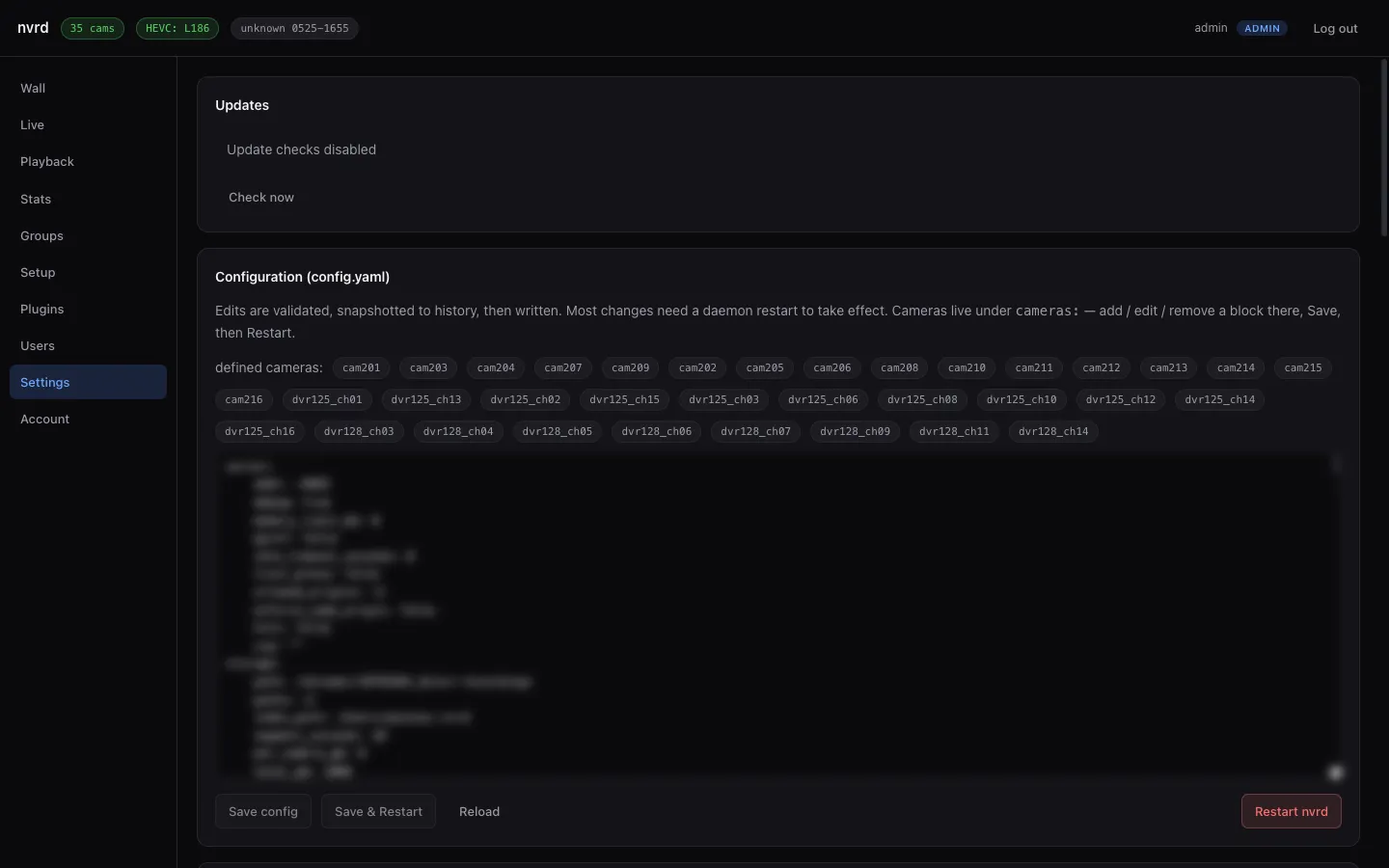
config.yaml in place, then Save & Restart.